


Credit limits, pay terms and balances
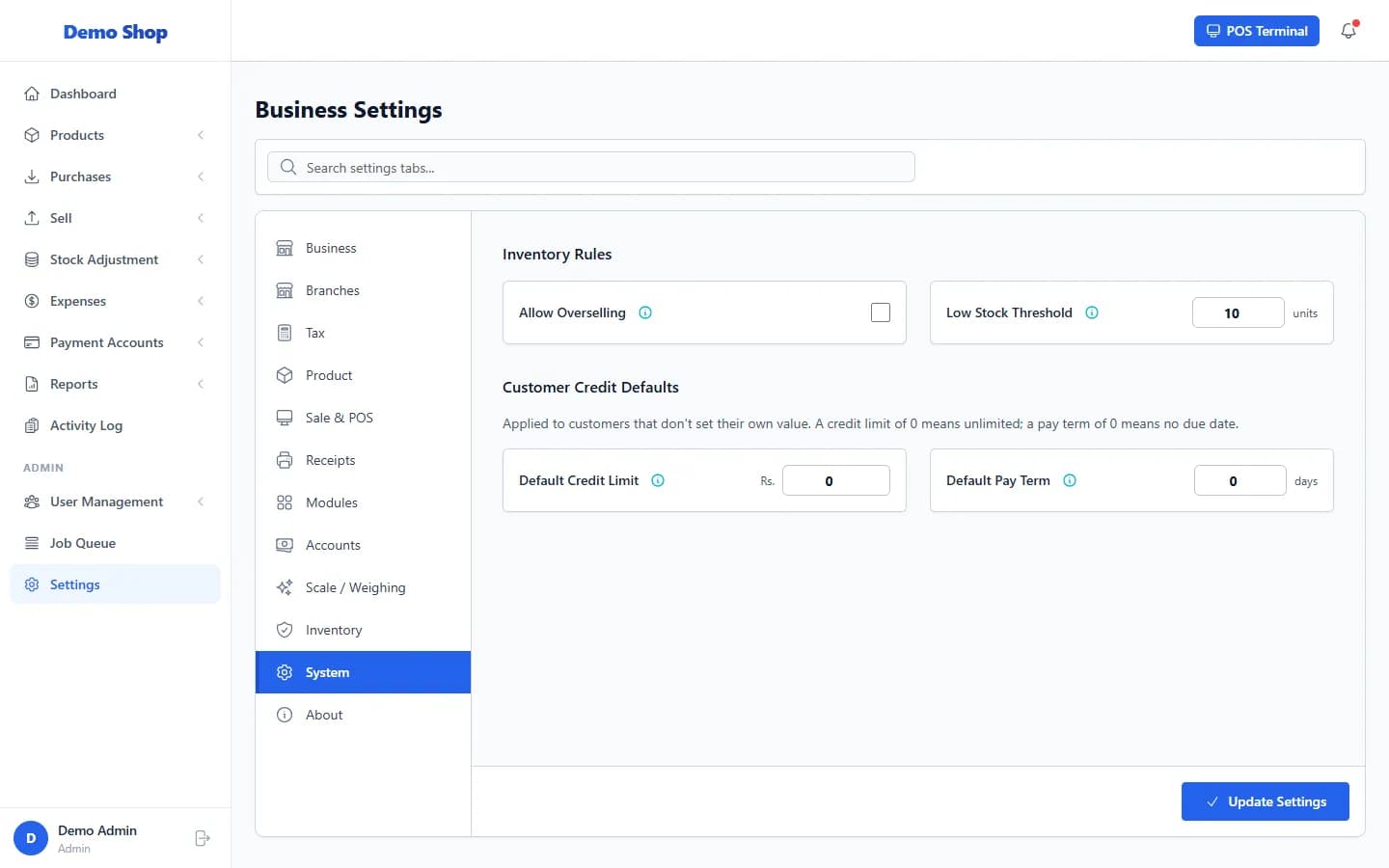
A customer’s Credit Limit caps how much they may owe on credit sales. The Pay Term sets the due date. Opening Balance is what they owed before you started; Advance Balance is money they have paid ahead.
| Setting | What it does |
|---|---|
| Credit Limit | The most this customer may owe on unpaid credit sales. 0 means no limit. If the customer has none, the shop-wide Default Credit Limit applies. |
| Pay Term | Number of days to pay. The due date of each credit sale is the sale date plus this term. If the customer has none, the Default Pay Term applies. |
| Opening Balance | What the customer already owed you when you started using the system. Payments you record clear it first, before newer bills. |
| Advance Balance | Money the customer has paid in advance. It can be used to pay a sale. It also reduces what the customer owes on their statement. |
Change them
- Open Sell → Customers and choose Edit in the customer’s row.
- Change the Credit Limit, Pay Term, Opening Balance or Advance Balance under Credit Information.
- Save the customer.
Last checked against ANOWEX ERP on . Screens and wording can change as the product is updated.